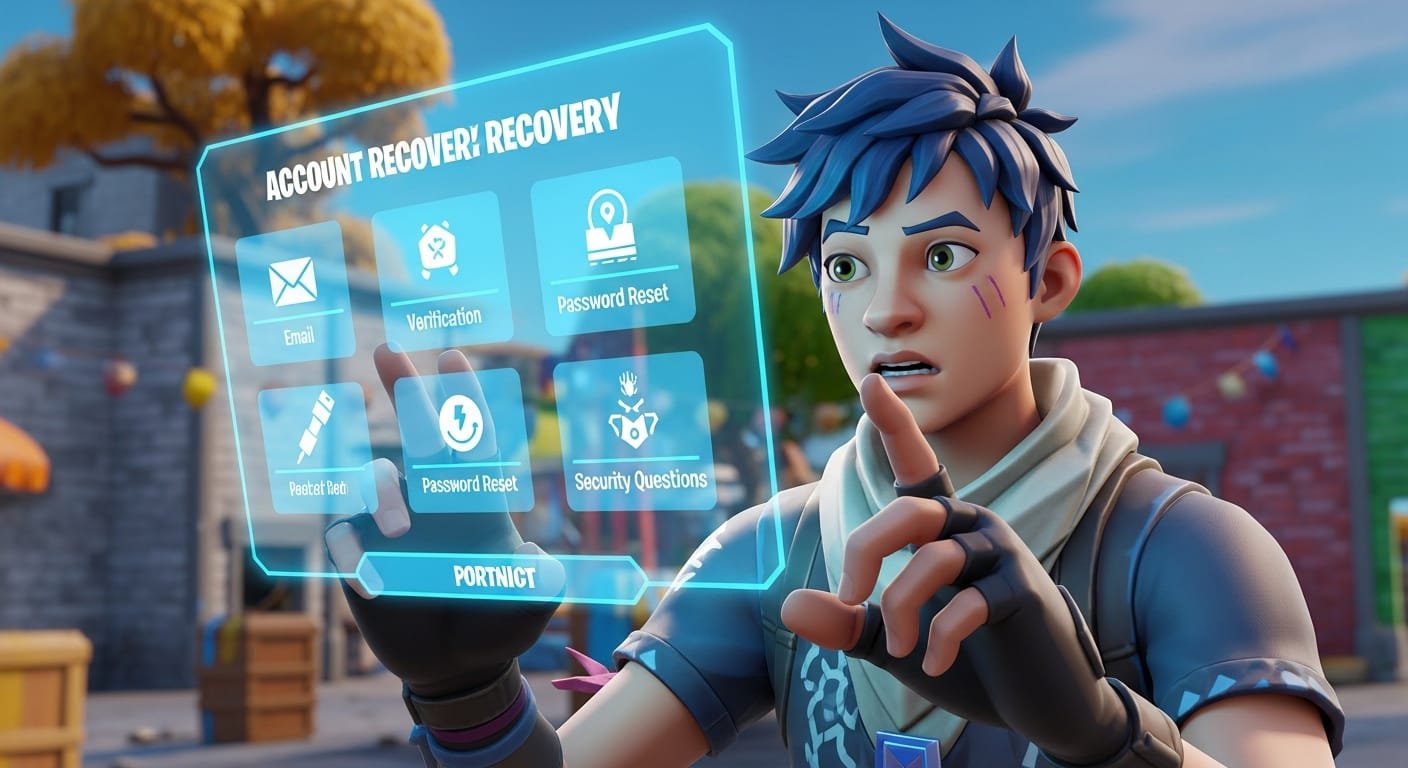
Losing access to your Fortnite account can be one of the most frustrating experiences for any player. Whether it’s due to a forgotten password, switching devices, being hacked, or having account linking issues — losing your skins, progress, and V-Bucks can feel like a nightmare.
But don’t worry — in this guide, we’ll walk you step by step through how to recover your Fortnite account safely, legally, and directly with Epic Games, even if you no longer remember your email or were hacked.
🧭 Step 1: Identify the Type of Problem
Before taking action, determine the issue you’re facing:
- Did you forget your password?
- Don’t remember your login email?
- Got hacked?
- Account unlinked from your console or mobile device?
- Was your account suspended or banned?
Once you identify the issue, you can apply the correct solution.
🔑 Step 2: Recover Your Epic Games Password
If you simply forgot your password, it’s easy to reset it.
Steps:
- Go to https://www.epicgames.com/
- Click Sign In
- Select Forgot Your Password?
- Enter the email you used to create your account
- Check your inbox and follow the reset link Epic sends you
- Create a new secure password
✅ Once done, you can log in and play again.
📧 Step 3: Forgot Your Email Address?
If you don’t remember the email linked to your account, try logging in through linked platforms:
- PlayStation: Use your PSN account
- Xbox: Sign in with your Microsoft account
- Nintendo Switch: Use your Nintendo ID
- Google, Apple, or Facebook: Use your social login
If you successfully log in through one of these methods, go to Account Settings > Personal Info to see the email linked to your Epic account.
🛡️ Step 4: Hacked or Account Stolen
If someone changed your email and password, you need to contact Epic Games support directly.
Steps to recover a hacked account:
- Visit: https://www.epicgames.com/help
- Click Contact Us
- Select issue: “Compromised Account” or “Stolen Account”
- Fill out the form with as much info as you remember:
- Username
- Approximate account creation date
- Previous email
- Payment methods used (if any)
- Console ID (if you played on PlayStation, Xbox, etc.)
📝 Describe your problem in detail and attach any proof if possible.
📩 Epic Games will reply within a few days to the email you provide in the form.
🔄 Step 5: Account Unlinked from Console or Mobile
If you played on console or mobile and can’t access your account anymore:
Solution:
- Visit: https://www.epicgames.com/account/connected
- Log in with your previous method (PlayStation, Xbox, etc.)
- Unlink and relink the correct Epic account if needed
⚠️ If you get a message like “This account is already linked,” it means your console ID was used on another Epic account. In this case, contact Epic Support to restore the correct link.
🚫 Step 6: Account Suspended or Banned
If you see messages like «Temporarily suspended,» «Banned for cheating,» or «Access denied», the reason could be:
- Use of cheats or hacks
- Toxic behavior or offensive language
- Reports from other players
Solution:
- Visit: https://www.epicgames.com/help/en-US/c09-account-and-security
- Click Contact Us and submit an appeal
📝 Be respectful and explain your case clearly. Provide strong arguments.
⛔ Epic Games may take several days to respond. If the ban is permanent, it may not be reversible.
🔐 Golden Tip: Enable Two-Factor Authentication (2FA)
Once you recover your account, activate 2FA immediately:
- Go to: https://www.epicgames.com/account/personal
- Navigate to Password & Security
- Enable 2FA via email, app, or SMS
🔓 This protects your account from hackers — and gives you a free reward: the Boogie Down emote!
🧠 Final Tips to Never Lose Your Fortnite Account Again
✅ Always use a valid and frequently checked email
✅ Store your passwords in a secure password manager
✅ Never share your account — not for V-Bucks or skins
✅ Enable two-factor authentication
✅ Link your account to an additional platform like PlayStation, Xbox, or Google
✅ Avoid external apps, hacks, and fake generators
🏁 Conclusion
Recovering your Fortnite account is absolutely possible — as long as you act quickly and follow the correct steps. Epic Games has a strong support system, and if you provide enough information, you’ll be back in the game soon.
Your account is more than just skins — it represents your progress, achievements, and history as a player. Treat it like your digital treasure.
